Understanding Basic Peripheral Circuits in MCUs
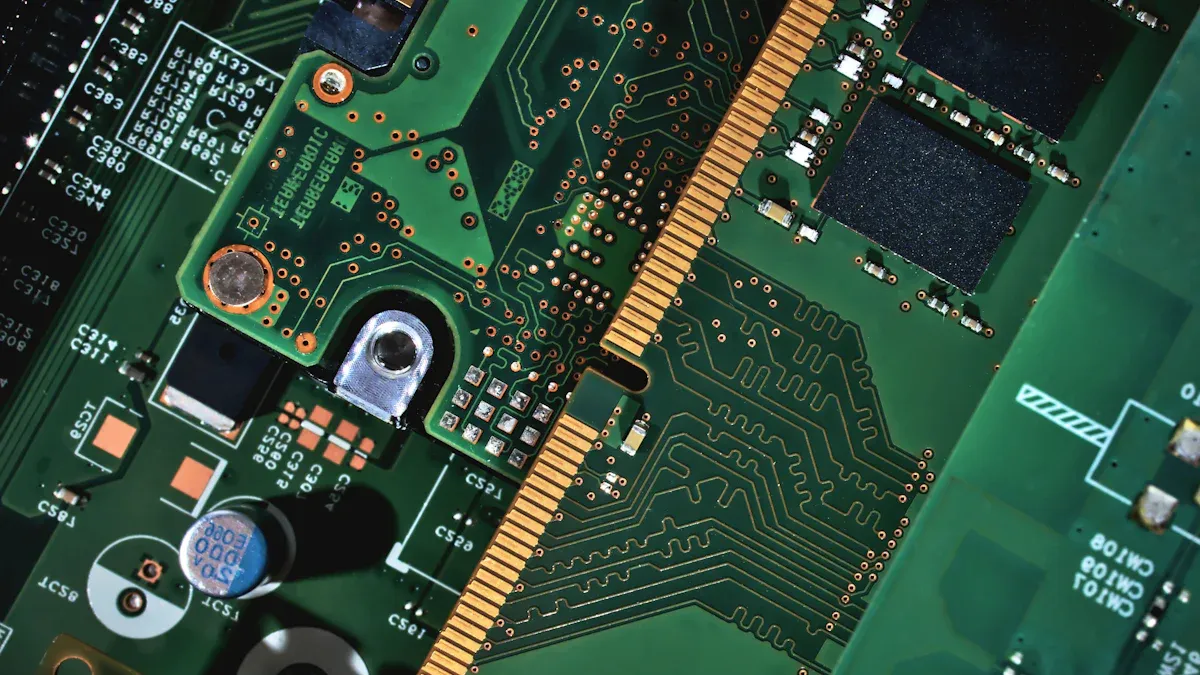
Basic peripheral circuits are very important in microcontroller units (MCUs). They help the CPU do tasks and talk to different devices. You can see these circuits as a link between the MCU and outside parts like sensors and buttons. By putting the CPU, memory, and peripherals on one chip, basic peripheral circuits make system design easier. This small design cuts down on complexity and improves performance. This makes your projects work better and be more flexible.
Basic Peripheral Circuits Overview
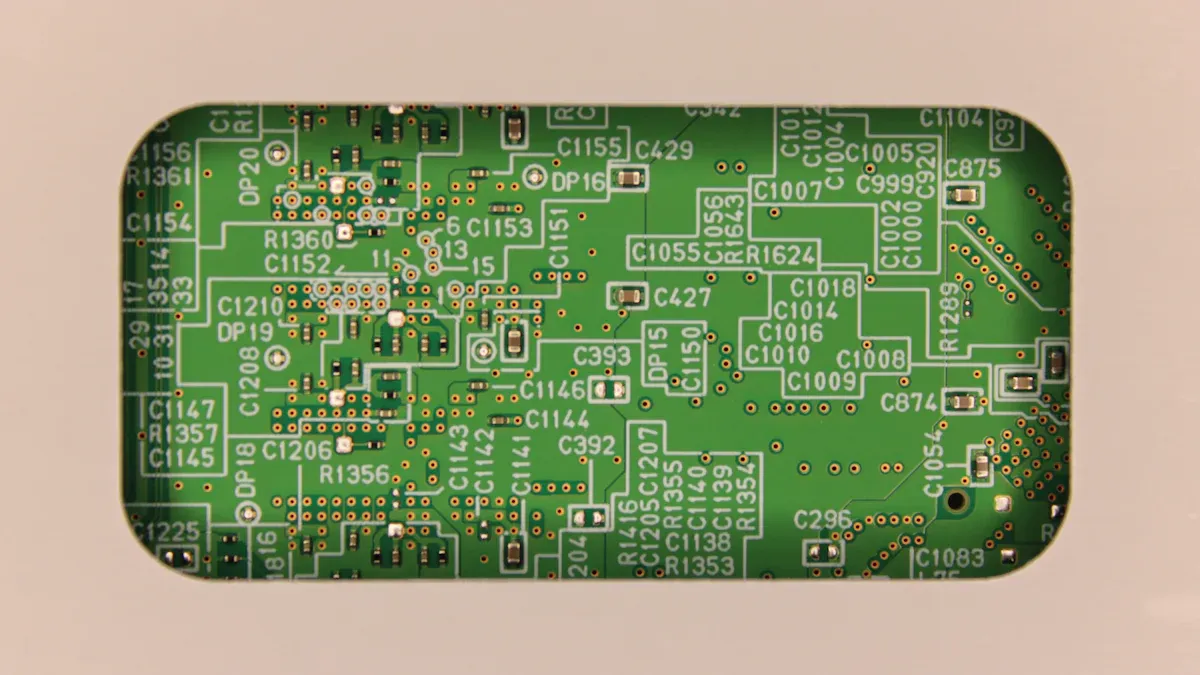
Basic peripheral circuits are very important in microcontroller units (MCUs). They help you control and work with different external devices. Knowing about these circuits helps you design better systems.
Special Function Registers
Special function registers (SFRs) are key for controlling and setting up the peripherals of an MCU. These registers let you manage different functions easily. Here are some important SFRs to know:
TCON (Timer Control Register): This register helps you start and stop timers. It shows when a timer has finished counting.
TMOD (Timer Mode Register): This register sets the mode of the timers. You can pick if they count outside events or measure time.
These registers fit well into the MCU design, letting you control peripheral functions easily.
General Purpose I/O Ports
General purpose I/O (GPIO) ports are useful parts in basic peripheral circuits. You can set them up to do many tasks, making them important for talking to external devices. Here are some jobs that GPIOs do:
Control and check other circuits, turning operations on or off and reading switch states.
Help with communication using bit-banging methods for serial communication like I2C and SPI.
Handle different input/output tasks, like controlling analog processes such as motor speed and light brightness using PWM.
You can use GPIOs in many real-world applications. For example:
Drive LED lights directly.
Set up serial communication with sensors and motor controllers.
Make a digital-to-analog converter using PWM and an RC filter.
The flexibility of GPIOs lets you customize them for specific uses, improving your ability to connect with other parts effectively.
Pull-Ups and Resistors
Functionality
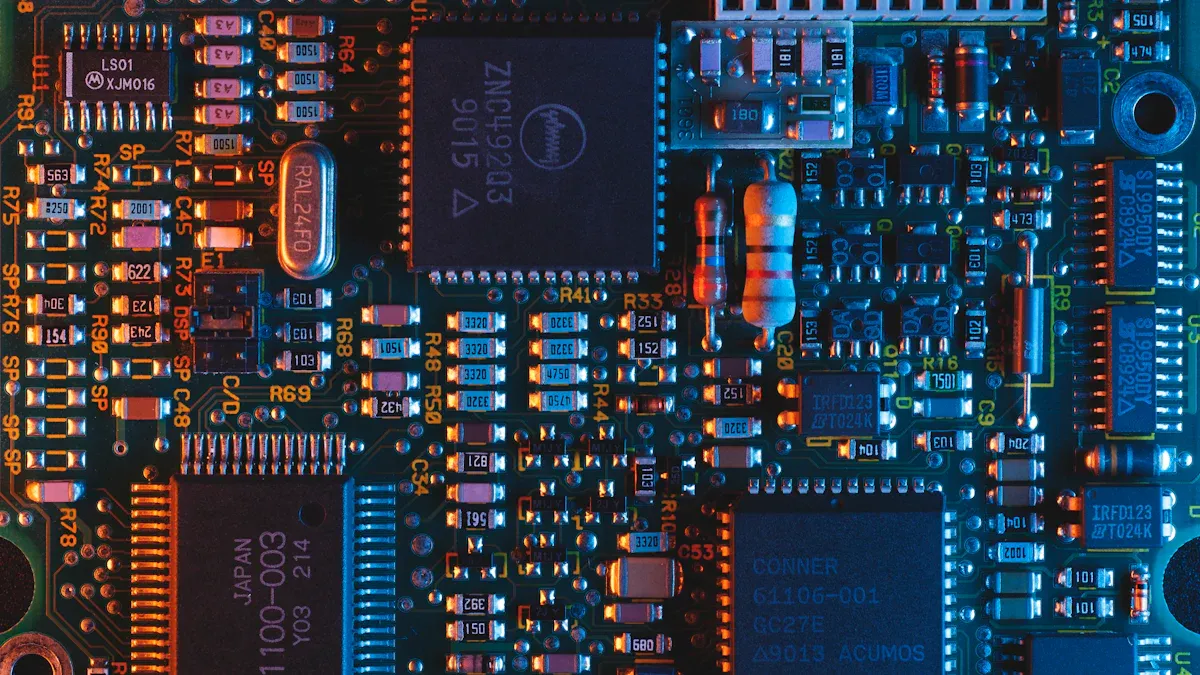
Pull-up resistors are very important in microcontroller circuits. They connect input pins to a high voltage level, which is usually the supply voltage. This connection makes sure that the pin reads a clear logic level when there is no active signal. When you press a button or close a switch, the resistor helps the pin see a low state. Without pull-up resistors, the pin might float, causing strange behavior.
Tip: Always use pull-up resistors to keep your input signals steady. This helps stop noise from messing up your circuit's performance.
Applications
You can find pull-up resistors in many microcontroller uses. They are key in digital input circuits, especially with buttons and switches. Here are some common uses:
Button Inputs: When you press a button, the pull-up resistor helps the microcontroller notice the change from high to low.
Sensor Interfaces: Many sensors need pull-up resistors to work right, especially those with open-drain outputs.
Communication Lines: In protocols like I2C, pull-up resistors help keep the data lines clear.
When you design circuits with pull-up resistors, pay attention to their values. Picking the right resistor can change how well it works. For example, a resistor that is too small can let too much current flow, which increases power use. On the other hand, a resistor that is too big may weaken the pull-up effect, making the pin more likely to pick up noise.
Resistor Value | Pitfall Description |
|---|---|
Too Small | A very low resistance causes high current flow when the switch closes, increasing power use and possibly damaging parts. |
Too Large | A very high resistance weakens the pull-up or pull-down effect, leaving the pin closer to floating and open to interference. |
Choosing the right resistor value is important for good performance. A range of 1kΩ to 4.7kΩ gives faster response times but uses more power. In contrast, values between 10kΩ and 100kΩ lower power use but may slow down changes and increase noise problems.
Resistor Value Range | Effect on Performance | Considerations |
|---|---|---|
1kΩ to 4.7kΩ | Faster response | Higher power use |
10kΩ to 100kΩ | Slower changes | Lower power use, more noise issues |
By knowing how pull-up resistors work and where they are used, you can make your microcontroller projects more reliable.
Timers and ADCs
Timer Functions
Timers are very important in microcontroller units (MCUs). They help you measure time and manage events. You can use timers for many tasks, like:
Generating Delays: Timers let you make exact delays in your programs. This is helpful when you want to pause actions or create timing sequences.
Event Counting: You can count outside events, like button presses or sensor signals. This helps you keep track of how many times something happens.
Pulse Width Modulation (PWM): Timers help you control the width of pulses in signals. You can use PWM to change how bright LEDs are or how fast motors run.
Tip: Always set up your timers correctly. Choosing the right mode and frequency makes sure timing is accurate and performance is reliable.
ADC Applications
Analog-to-Digital Converters (ADCs) are key for changing analog signals into digital data. This change lets your MCU work with real-world signals, like temperature or light levels. Here are some common uses for ADCs:
Sensor Readings: You can connect sensors to your MCU to measure things. For example, a temperature sensor gives an analog voltage that the ADC turns into a digital number.
Audio Processing: ADCs help you turn audio signals into digital form. This lets you change sound in different applications, like music players or voice recognition systems.
Data Acquisition: You can use ADCs to collect data from many sources. This is useful in projects that need to monitor environmental conditions or control systems based on sensor inputs.
Application | Description |
|---|---|
Sensor Readings | Changes analog signals from sensors to digital. |
Audio Processing | Turns audio signals into digital form. |
Data Acquisition | Gathers data from different analog sources. |
By knowing about timers and ADCs, you can improve your microcontroller projects. These parts let you connect with the physical world and build more complex and responsive systems.
Communication Interfaces
Communication interfaces are very important for connecting microcontroller units (MCUs) to other devices. These interfaces let MCUs send and receive data. This helps them work with sensors, displays, and other parts. Knowing about these interfaces helps you make better systems.
Types of Interfaces
There are several types of communication interfaces in MCUs. Each type has different jobs and special features. Here are some common interfaces:
Serial Communication: This method sends data one bit at a time. It is easy to use and needs fewer pins. Examples include:
UART (Universal Asynchronous Receiver-Transmitter): This interface allows devices to talk without needing to sync. It is often used with GPS and Bluetooth modules.
USART (Universal Synchronous/Asynchronous Receiver-Transmitter): This interface can work in both sync and async modes, giving you more options for communication.
Parallel Communication: This method sends many bits at once. It needs more pins but is faster. You might use this for connecting to LCD displays or memory parts.
I2C (Inter-Integrated Circuit): This is a two-wire interface that lets many devices talk to one MCU. It uses a master-slave setup, making it great for connecting sensors and EEPROMs.
SPI (Serial Peripheral Interface): This interface uses four wires to communicate. It is very fast and works well for things like SD cards and displays.
CAN (Controller Area Network): This interface is often used in cars. It lets many MCUs talk to each other reliably, which is good for real-time control systems.
Tip: Pick the right communication interface for your project. Think about speed, distance, and how many devices you need to connect.
Integration with MCUs
Adding communication interfaces to MCUs makes them much more powerful. You can easily share data between the MCU and outside devices. Here are some benefits of this integration:
Increased Functionality: Using communication interfaces lets you do more with your MCU. For example, connecting a temperature sensor through I2C helps you check the environment easily.
Modular Design: Communication interfaces allow you to design in a modular way. You can add or take away parts without changing the whole system. This makes fixing problems and upgrades easier.
Real-Time Data Processing: With fast interfaces like SPI, you can handle data right away. This is important for things like robots and automation, where quick responses matter.
Interoperability: Different devices can talk to each other using standard interfaces. This lets you mix and match parts from different makers, making your project more flexible.
By learning about the types of communication interfaces and how they work with MCUs, you can build more complex and responsive systems. This knowledge helps you use basic peripheral circuits well, leading to creative solutions in your projects.
Knowing about basic peripheral circuits in MCUs is very important for your projects. You learned about special function registers, GPIO ports, pull-up resistors, timers, ADCs, and communication interfaces. Each part helps improve how microcontrollers work.
Tip: Keep looking for new uses and ideas in microcontroller technology. The more you know, the better your designs will be! 🚀
By understanding these ideas, you can build better and faster systems.
See Also
Exploring The Fundamentals Of Microcontrollers And Flash Memory
Defining MCUs With FPUs And Their Importance In Embedded Systems
Exploring Key Features Of The 74HC32 Logic Gate IC